The Microsoft 365 add-ons you are probably paying for twice
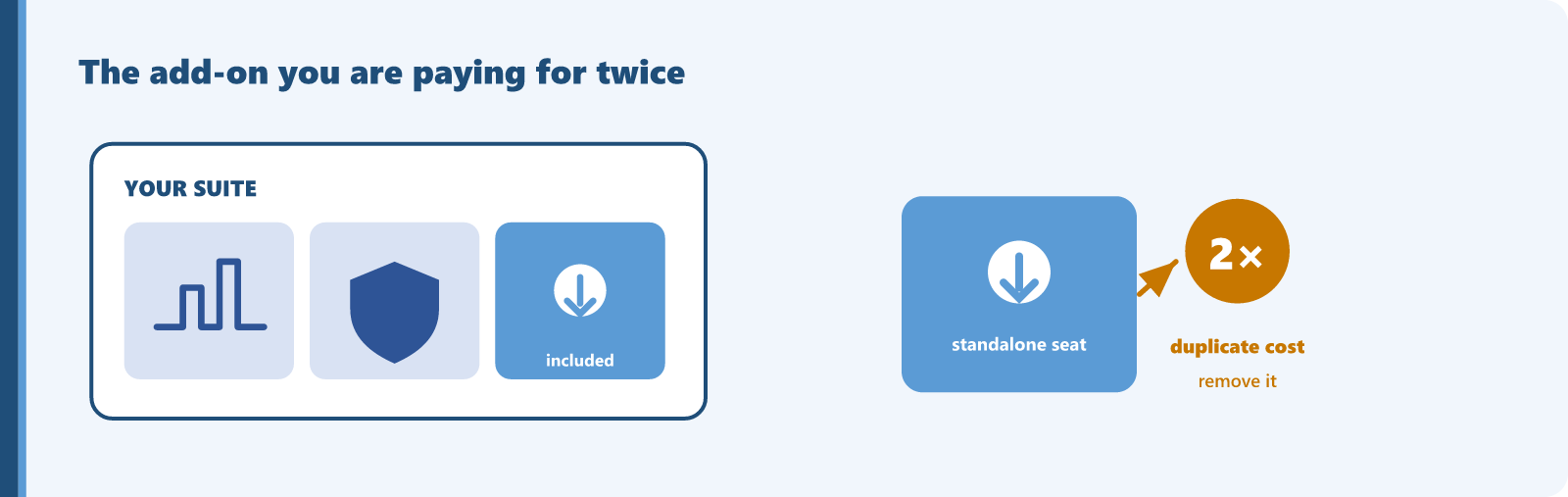
Microsoft sells many services both as standalone subscriptions and as ingredients inside the large suites. Over time, a team buys the standalone version for a project, then later moves everyone to E3 or E5, and the old line item never gets canceled. Now you are paying for the same entitlement on both invoices, and because these add-ons are billed per user, the duplication scales with headcount. A duplicate analytics or device-management seat across a few hundred suite users is a few hundred wasted seats every month, returning no extra feature and no extra capacity. Microsoft removes the guesswork here by publishing, service by service, which suite already fulfills each standalone license.
What the suites already include
Straight from the current mapping, here are the high-value services bundled into the common enterprise suites (subject to change as Microsoft updates its licensing terms):
- Microsoft 365 E5: Power BI Pro, Teams Phone Standard, Audio Conferencing, Intune Plan 1, Microsoft Entra ID Plan 2, Microsoft Purview Information Protection (formerly Azure Information Protection Plan 2), Defender for Endpoint Plan 2, Defender for Identity, Defender for Cloud Apps, Defender for Office 365 Plans 1 and 2.
- Microsoft 365 E3: Intune Plan 1, Microsoft Entra ID Plan 1, Microsoft Purview Information Protection (formerly Azure Information Protection Plan 1), Defender for Endpoint Plan 1.
- Office 365 E5: Power BI Pro, Teams Phone Standard, Audio Conferencing, Defender for Office 365 Plans 1 and 2.
- Enterprise Mobility + Security E5: Intune Plan 1, Microsoft Entra ID Plan 2, Microsoft Purview Information Protection (formerly Azure Information Protection Plan 2), Defender for Identity, Defender for Cloud Apps.
Deployment scenarios and auditing
The organizations most exposed are those that adopted a service early and standardized on a suite later. Analytics is the classic case, because it often starts as a departmental purchase. Device management and the identity premium plans are close behind, usually bought during a mobility or security push before a broad E5 rollout. To find the overlap:
- Export your full subscription list, including standalone plans, not just the suites.
- For each standalone plan, check the suite mapping for the suites that already include it.
- Identify users who hold both the suite and the standalone version of the same service. Those overlaps are the waste.
- Confirm the standalone seats are not covering users who lack the suite, since a standalone plan on a user whose suite does not include it is legitimate.
When this does not apply
First, the suite must actually contain the service for that user. Office 365 E3 does not include Intune, the Entra premium plans, or Defender for Endpoint, so a mobility suite alongside Office 365 E3 is not duplication. Second, users on Microsoft 365 E5, or on Office 365 plans sold without Teams, need a separate Teams subscription to actually enable Teams Phone Standard and Audio Conferencing. An entitlement appearing in the suite does not always mean it lights up with no further subscription.
The count of users holding a suite plus a redundant standalone copy, multiplied by the standalone price. It is verifiable from your own invoice and the published mapping.
Find this kind of waste in your own tenant
Sentsai scans your Microsoft 365 tenant in minutes, read-only. The free scan shows what the waste costs you; the itemized report is paid.
Needs a one-time approval of read-only access from an administrator who can approve apps. Not an admin? Email this to yours.
Questions? support@sentsai.com